Send your videos to us!
We will edit the videos for you!
Instruction
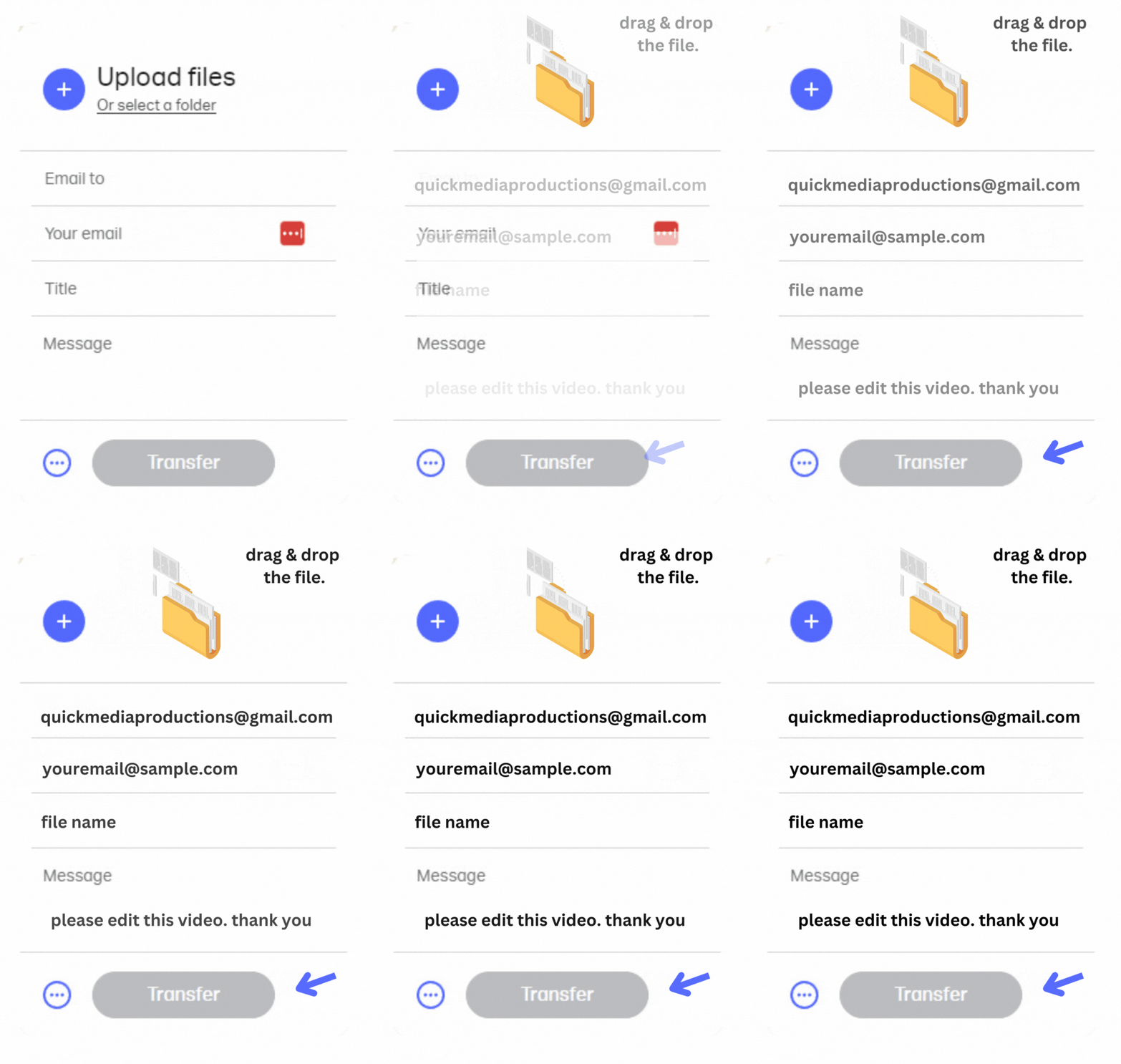
Here’s a step-by-step guide on how to use WeTransfer:
1. Click the button below “Send via WeTransfer”
2. Click the “+” button to add your files or drag and drop them into the file transfer area.
3. In the “Email to” field, enter the email addresses of the recipients.
4. In the “Your email” field, enter your own email address.
5. Add a message in the “Message” field (optional).
6. Click the “Transfer” button to start the transfer.
7. Wait for the upload to finish. This may take a few minutes, depending on the size of your files and your internet connection.
8. Once the upload is complete, you’ll be taken to a confirmation page with a link to download your files.
9. WeTransfer will also send an email to both you and the recipients with a link to download the files.
10. The link will be available for a certain number of days (usually 7) before it expires.